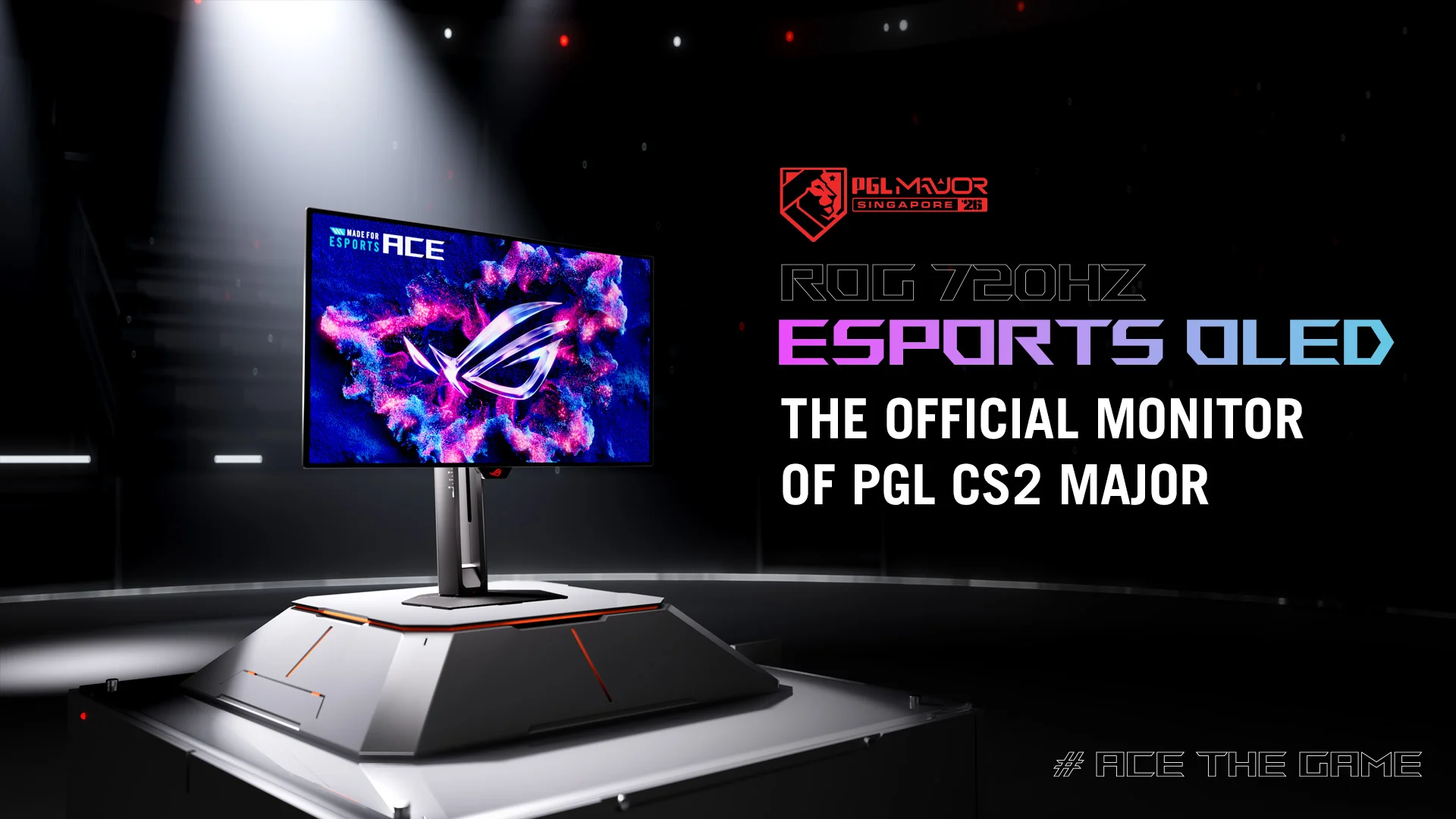

ROG Malaysia is expecting the new ROG Swift OLED PG27UCWM and PG32UCWM to arrive sometime during October, as announced in one of its latest announcements.
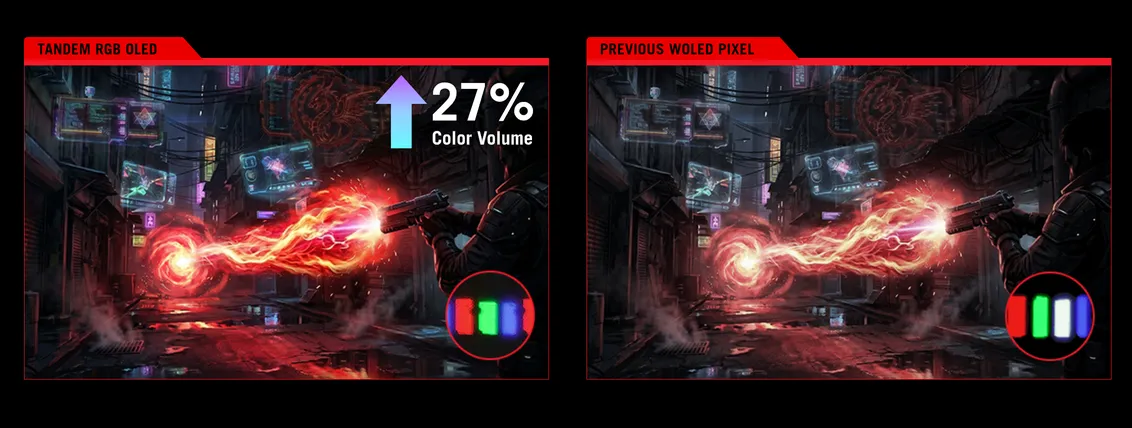
Available in 26.5-inch and 31.5-inch sizes, the two monitors share the same core hardware. They feature a 4K Tandem RGB OLED panel that uses a true RGB stripe layout instead of the WOLED panels commonly found in many OLED gaming monitors. By removing the white subpixel, ASUS says the displays are able to produce sharper text, more accurate colors, and up to 27% greater color volume, even at higher brightness levels. The monitors also feature the TrueBlack Glossy coating, designed to improve perceived contrast while maintaining the deep blacks OLED technology is known for.
Aside from the now mainstream Dual Mode native support of 4K240Hz and 1080p480Hz profile, the 0.03ms response time further complements it for minimal motion blur and ghosting during fast-paced gameplay.
For HDR gaming and creative workloads, both monitors support Dolby Vision and are VESA DisplayHDR 400 True Black certified. They also cover 99% of the DCI-P3 color gamut, offer true 10-bit color, and are factory calibrated to Delta E<2, making them suitable for users who need accurate color reproduction alongside gaming performance.
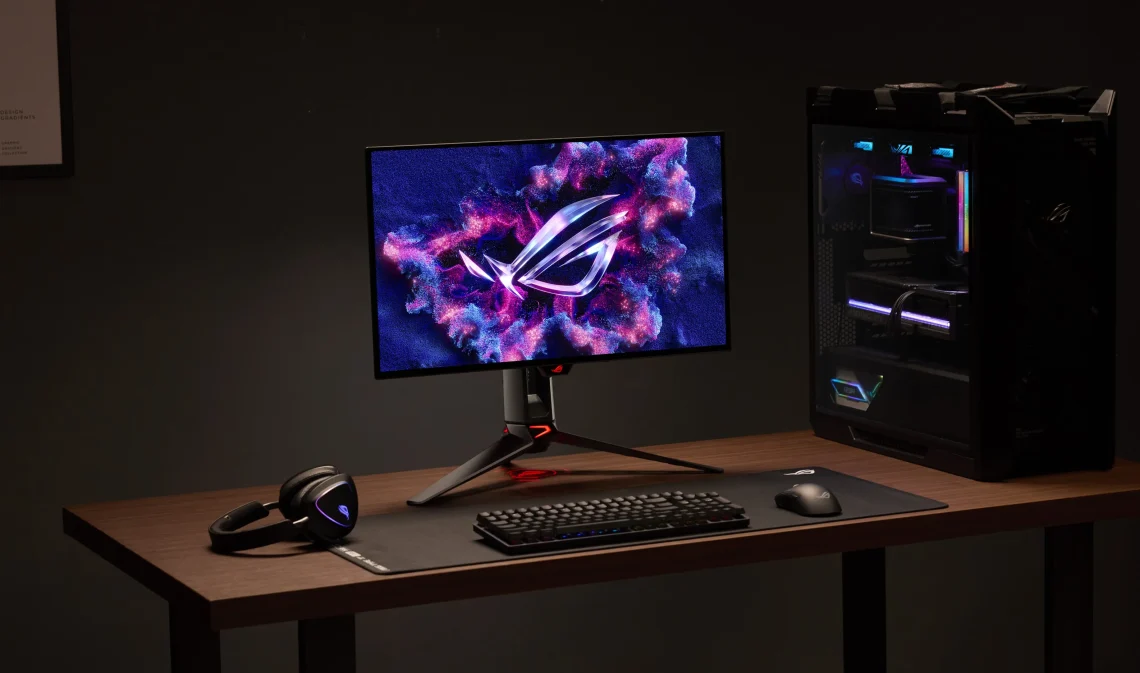
Durability has been improved too, as the GaNFET-based power design generates less heat than previous models by nearly 35%, resulting in 10% lower vent temperatures. Adding the new upgraded OLED Care Pro suite, which includes a smarter Neo Proximity Sensor with adjustable motion sensitivity and a customizable Auto Away timer, all of these can be managed through the ASUS DisplayWidget Center software.
Connectivity-wise, you can find DisplayPort 2.1a UHBR20 alongside HDMI 2.1 and a USB-C port that supports DisplayPort Alt Mode with up to 90W Power Delivery.
ASUS is also introducing AI-ready monitor controls. With the new Display Control CLI and Agent Skill installed, compatible AI assistants can adjust monitor settings using natural language. Users can ask the AI to switch between work and gaming profiles, change brightness and color temperature throughout the day, enable blue light filtering in the evening, or instantly configure the monitor for competitive gaming by switching to the 480Hz mode and enabling gaming-specific features. The commands are executed locally on the PC, while the AI simply translates user requests into supported monitor settings.