
So, Razer just officially dropped their new Razer PC Remote Play app, and it’s kind of a big deal if you’re into gaming on the go.
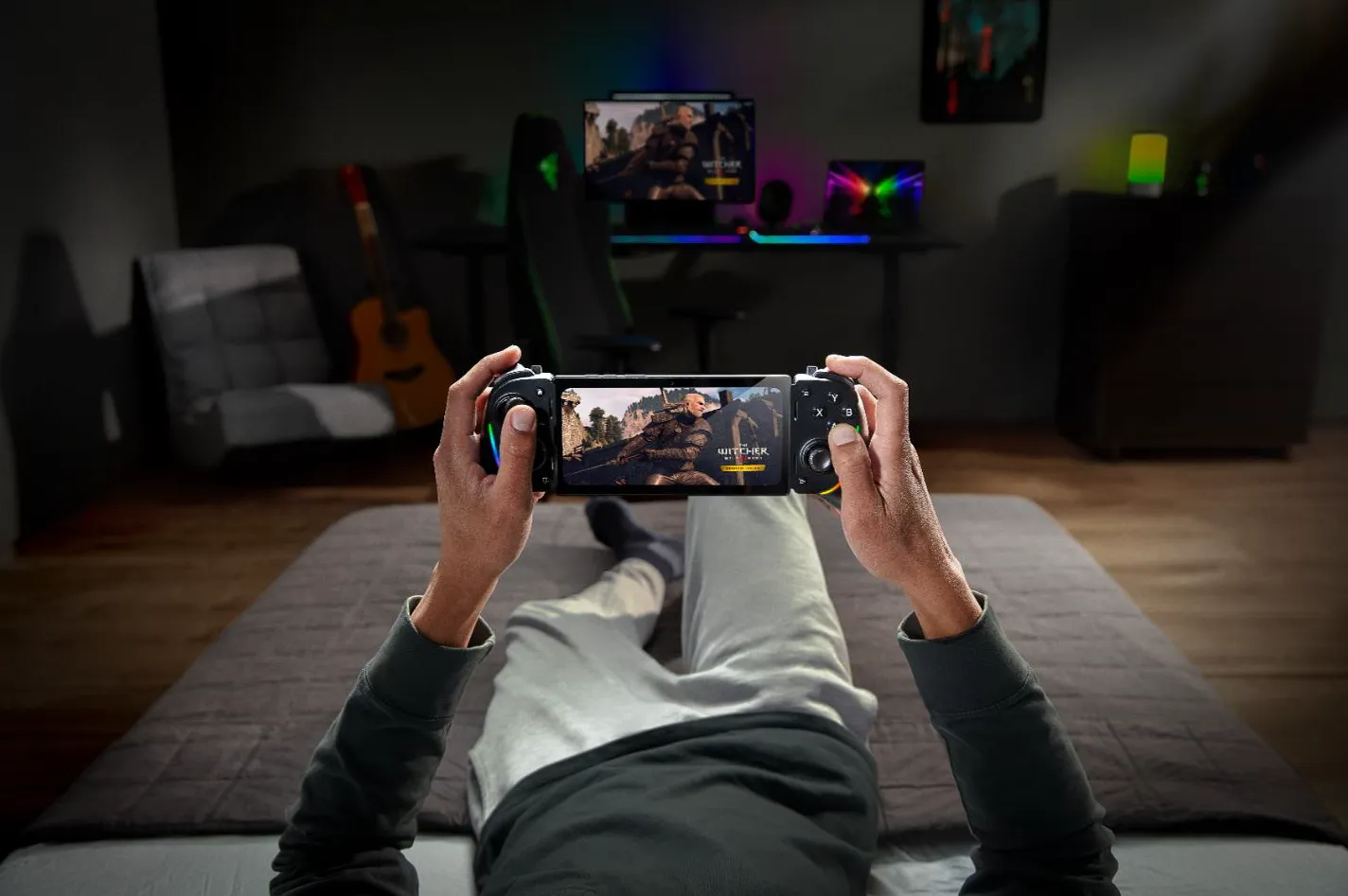
Basically, it lets you stream your PC games straight to your phone, tablet, or even a Windows handheld without the black bars and weird cropping, just full-on crisp visuals using your device’s full resolution and frame rate.
They actually teased this earlier during CES 2025, and even in beta it got a lot of positive buzz. Now, with the official launch, it’s way more polished as the interface on Razer Cortex for PC got a revamp, and there’s full support for pretty much any controller that works with iOS or Android, which is nice for them not to gatekeep hardware, and of course, including the Razer Kishi. Oh, and if you’re using an iPad, you can even hook up a keyboard, mouse, or trackpad for a more desktop-like setup.
One cool thing? Everything’s now integrated with Razer Nexus. So, from your phone, you can launch games, tweak controls, record and share clips, and even update your controller, all from one place. Plus, the app automatically adjusts the visuals to match your device’s capabilities, so you get super-smooth gameplay with maxed-out clarity and refresh rates.
If you’re using a Razer Kishi Ultra with Android, you even get those immersive Razer Sensa HD Haptics—stuff like recoil feedback or engine rumbles that sync with the action on screen.
Getting it all set up is super straightforward:
- You install Razer Nexus and Razer PC Remote Play on your mobile device.
- Flip the switch for Remote Play in Razer Cortex on your PC.
- Sign in with your Razer ID, and boom – they pair up automatically.
- Plug in a controller, and you’re ready to stream your PC library right to your phone or tablet.
It works with big platforms like Steam, Epic Games, and PC Game Pass and supports iOS 18, Android 14 and up, plus Windows 10 and 11. The app’s available now on the App Store and Google Play if you wanna check it out.