
Before returning to VALORANT ranked, check Competitive access, the agents you can play, your display and mouse settings, and whether the game stays responsive during a real fight. Then refresh one agent and the team’s buying routine. That order gives you something useful to fix before your first placement, instead of spending the evening changing sensitivity after every missed shot.
Start with the account you intend to use. For players browsing buy valorant account listings ahead of a return, the useful filters are playable region, available agents and the collection they actually want. Those details affect whether you can play with friends and use a familiar role. Your first session should establish what is ready and what needs attention.
Check Competitive access before organising a party
Open the Competitive queue and read any eligibility message. Riot’s Competitive Mode FAQ sets Account Level 20 as the standard entry requirement, with an exception for accounts that played ranked before Episode 4. Account level, visible rank and Rank Rating are different measures, so check the queue itself rather than guessing from an old profile screenshot.
Next, inspect the agents available and agree on a role with your regular teammates. Pick a main and one backup. A returning controller player gains more from rehearsing smoke placement and timing than from trying every unfamiliar agent during the first evening back. Check the current map pool in the client and practise the maps where your knowledge feels weakest.
Before inviting friends, check that your microphone, push-to-talk binding and voice levels work in a low-pressure game. Decide which server the group will use and compare the connection you actually get there. A geographically close server is only useful if the connection is stable for the people playing. Keep background downloads out of the comparison. If one player has a different problem, let them describe the symptom before the group suggests settings changes.
Restore a familiar mouse and display baseline
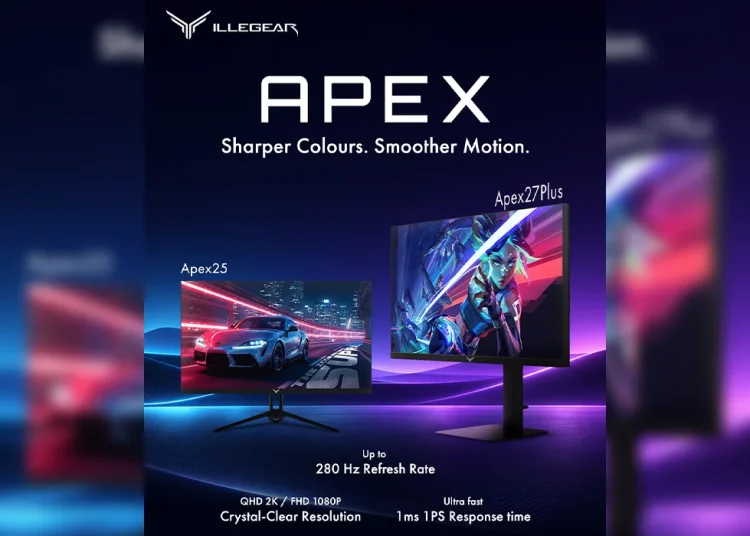
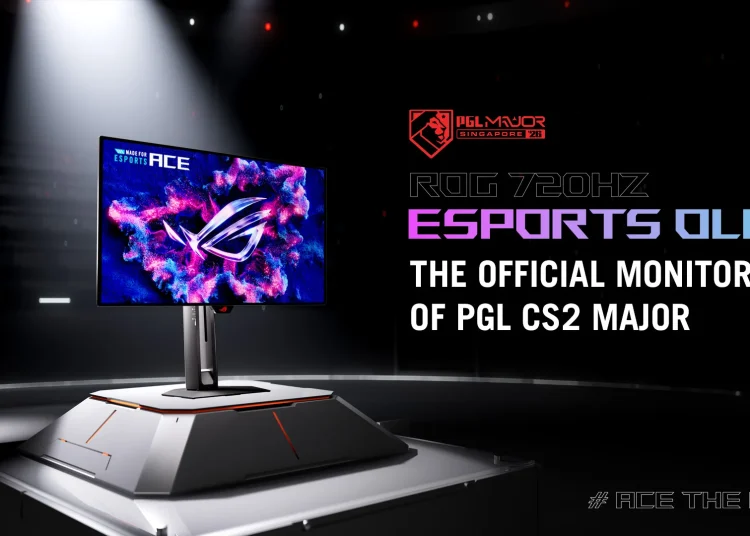
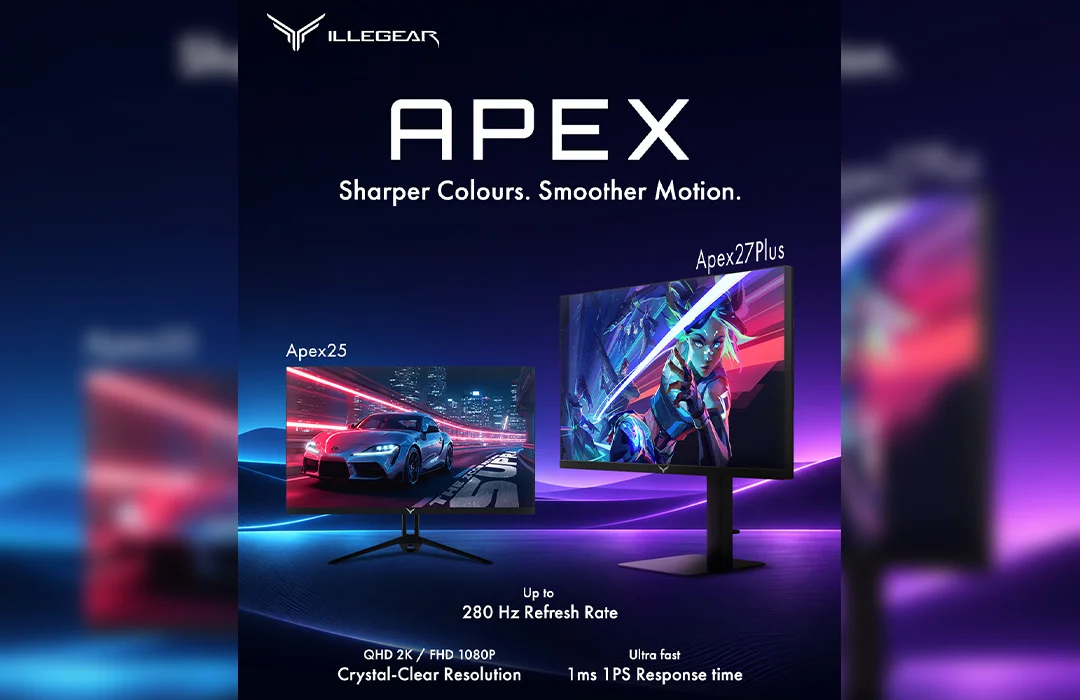
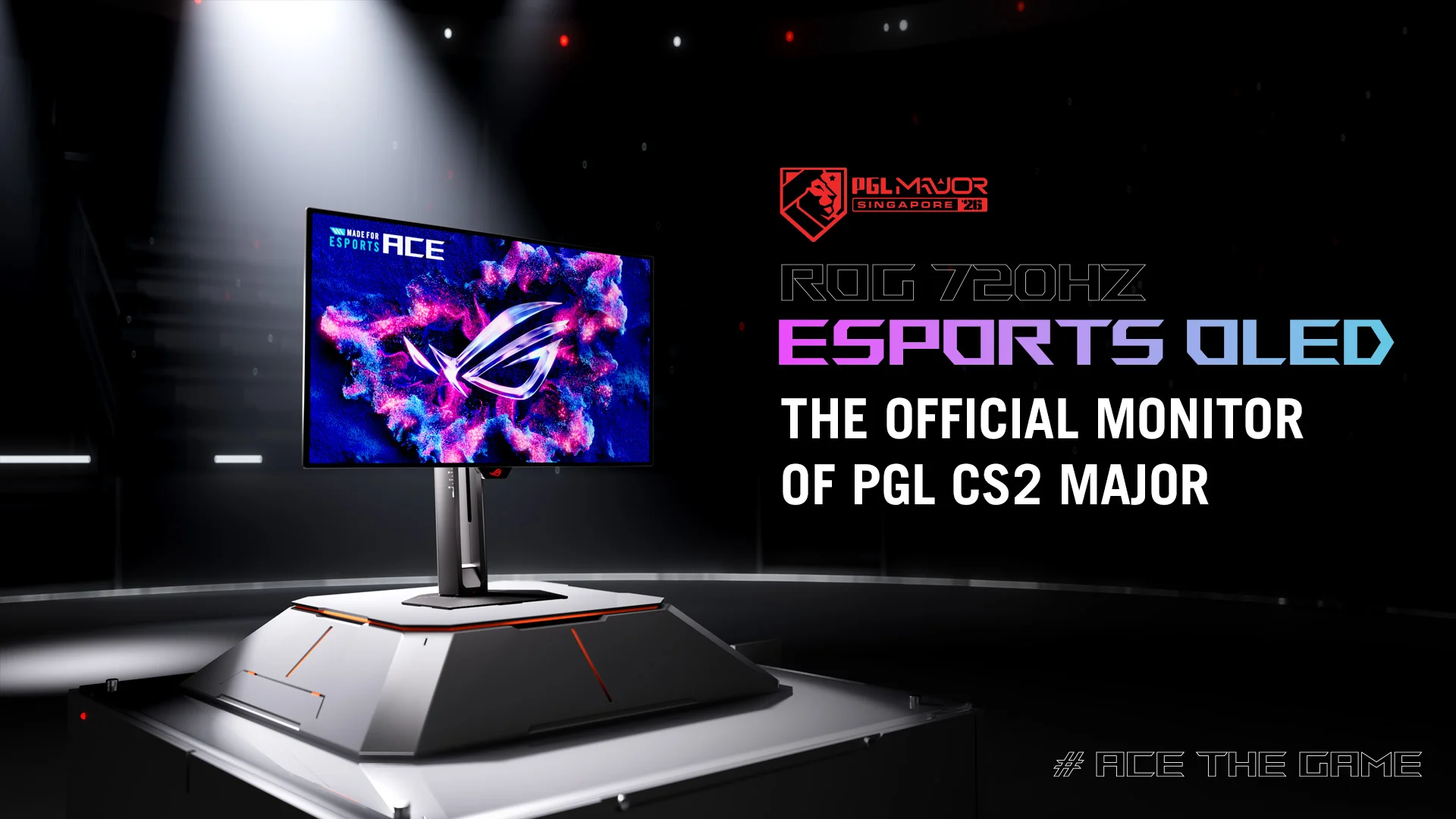
Check the monitor’s active refresh rate in Windows, then confirm the resolution and display mode inside VALORANT. A high refresh display is worth checking after a Windows reinstall, a cable change or a move to another PC. Write down the existing configuration before experimenting so you can return to it easily.
For your mouse, keep one DPI and sensitivity combination while assessing the rest of the setup. Effective DPI is mouse DPI multiplied by in-game sensitivity: 800 DPI at 0.35 produces 280 eDPI. That calculation helps you reproduce your own setup; it does not establish an ideal sensitivity. Check scoped and ADS sensitivity separately if those weapons feel unfamiliar.
New peripherals add another variable. The Sentinels edition of Razer’s Huntsman V3 Pro TKL illustrates how many input options modern keyboards offer. If you have changed keyboards, learn the actuation and movement settings in practice before using them in ranked. Change one option at a time so you can tell what affected your movement.
Separate low FPS from stutters and connection trouble
A frame counter cannot explain every uncomfortable match. Consistently low FPS, brief freezes and players snapping back to earlier positions call for different checks. Turn on the relevant performance statistics and look for what changes when the problem happens. A clean practice range is useful for establishing a baseline, but also check a mode with other players and abilities on screen.
| What you notice | What to check first |
| FPS stays low | Graphics workload and background applications |
| Brief pauses interrupt otherwise smooth play | Frame-time spikes and Riot’s stutter guidance |
| Players rubber-band while the picture remains smooth | Ping and packet loss |
| Aim feels different after changing hardware | DPI sensitivity refresh rate and input settings |
Riot’s micro-freezing and stuttering guide distinguishes temporary hitches from sustained low FPS and complete freezes. Its checks include graphics drivers, Windows updates, laptop power mode and background-process conflicts. Work through the steps that match your symptom. Reinstalling everything immediately makes it harder to identify the cause.
Adjust graphics with a repeatable comparison
Save a screenshot of your current graphics settings. Reduce material and detail quality, then repeat the same short route and actions. Compare several runs rather than remembering the single highest FPS number. If you adjust several unrelated settings together, you might improve performance without learning which change helped.
Check Riot’s multithreaded rendering guidance if the option is available on your machine. Riot describes it as a setting that can improve performance on suitable hardware. Test it on your own PC. Likewise, compare display mode and VSync deliberately: disabling VSync can reduce delay in some setups, but visible tearing may make the result less comfortable.
Keep a small record: setting changed, test conditions and observed result. Include whether the stutter happened when turning quickly, entering a fight or using an ability. That description is much more useful for a later support request than saying the game feels bad. Keep changes that help consistently and revert those that make no observable difference.
Rebuild the habits that settings cannot restore
Once the game feels consistent, spend a few minutes checking movement accuracy, comfortable crosshair placement and the timing of your main agent’s utility. Use a shorter mode to practise those actions with teammates and opponents. Judge whether you can repeat them reliably rather than chasing an impressive warm-up score.
Buying together deserves the same attention. Before spending, read your teammates’ balances and discuss whether the team is saving or committing. The VALORANT economy guide explains the buying decisions in more detail. For your return, start with a simple habit: make the team buy clear before purchasing an expensive weapon.
For the first match, choose a modest objective you control: communicate an enemy position clearly, arrive for a planned trade or hold utility for an agreed timing. Review one round where that decision mattered. A win can hide a poor habit and a loss can contain good decisions, so assess the action as well as the result.
End the session by choosing one thing to work on next time. It might be a particular map, an unfamiliar agent interaction or a performance issue you can now reproduce. Queue ranked when the client is ready, your controls feel familiar and you can explain your role. That is a more useful readiness check than whether your first deathmatch went well.