
If you’re already in the playtest and your friends aren’t, you’re probably googling how to invite friends to deadlock for one simple reason: the game is way more fun when you can coordinate lanes, rotations, and goofy combo plays together. The good news is that inviting is quick. The only “slow” part is Valve’s processing time, which can take a bit. Discussions around ranked progression and services like Deadlock Boost service have also become more common as the player base keeps growing.
What is Deadlock?
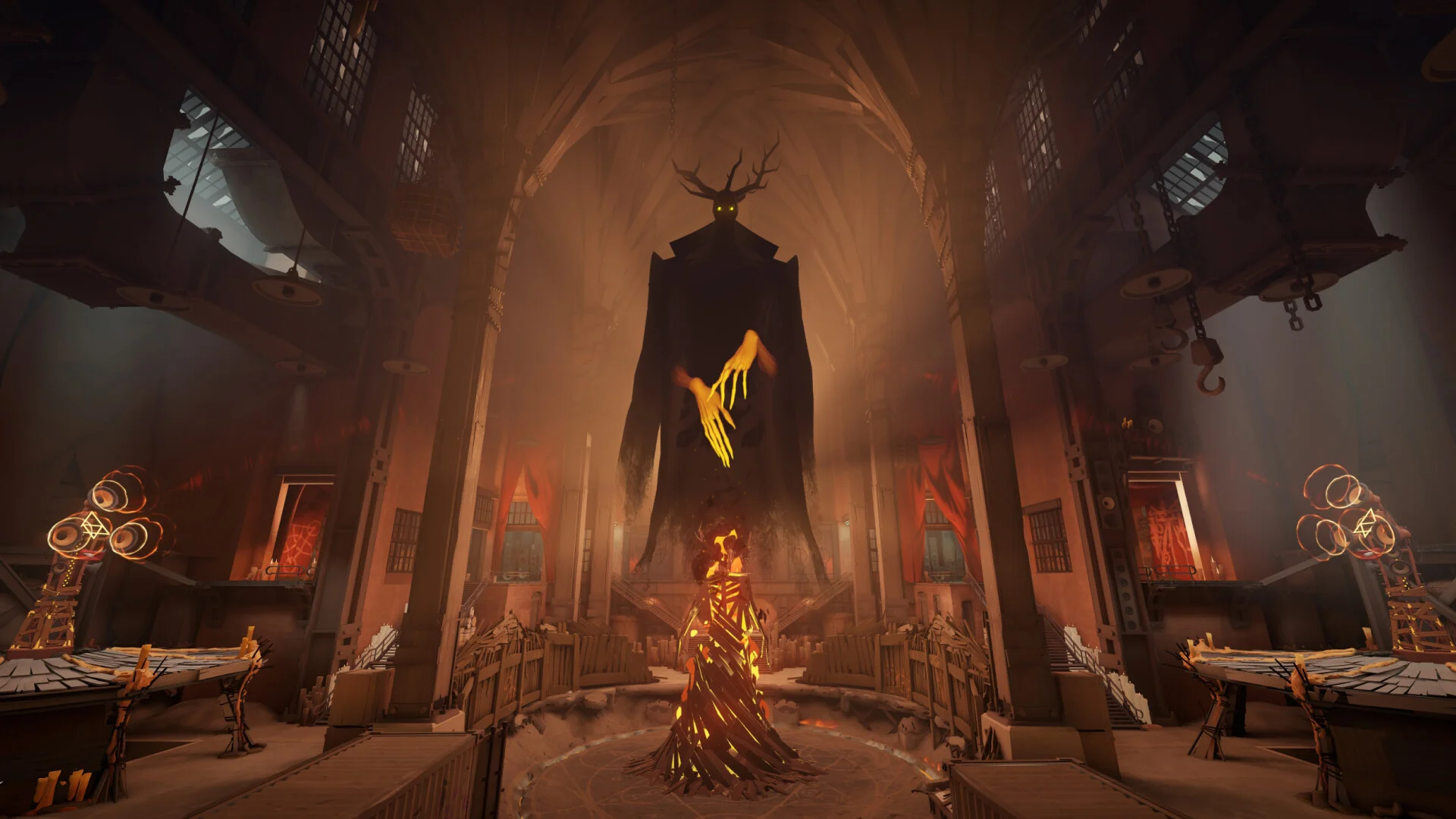
DeadLock is Valve’s cooperative video game that mixes features of a MOBA-style gameplay with first-person shooter style combat. While you will find yourself recognizing many concepts from other MOBA games such as lanes, objective, and power spikes, the actual fights require aiming, maneuvering, and proper use of abilities.
The game revolves around cooperation, which means playing with your friends is not only more fun but also can be beneficial in some cases.
How to Get Access to Deadlock
Right now, access works differently than a normal Steam release. You generally can’t just click “Play” on a store page and jump in.
The practical way in is getting invited by someone who already has access. Once they send it, you’ll receive a Steam notification when it’s ready, and then you can add the playtest to your library and install.
Some helpful tips that will help you save time include the following:
- Verify that your Steam profile is able to accept friend invites and messages.
- Avoid expecting immediate results. Invites can take some days before they go through successfully despite doing everything right.
How to Invite Friends to Deadlock
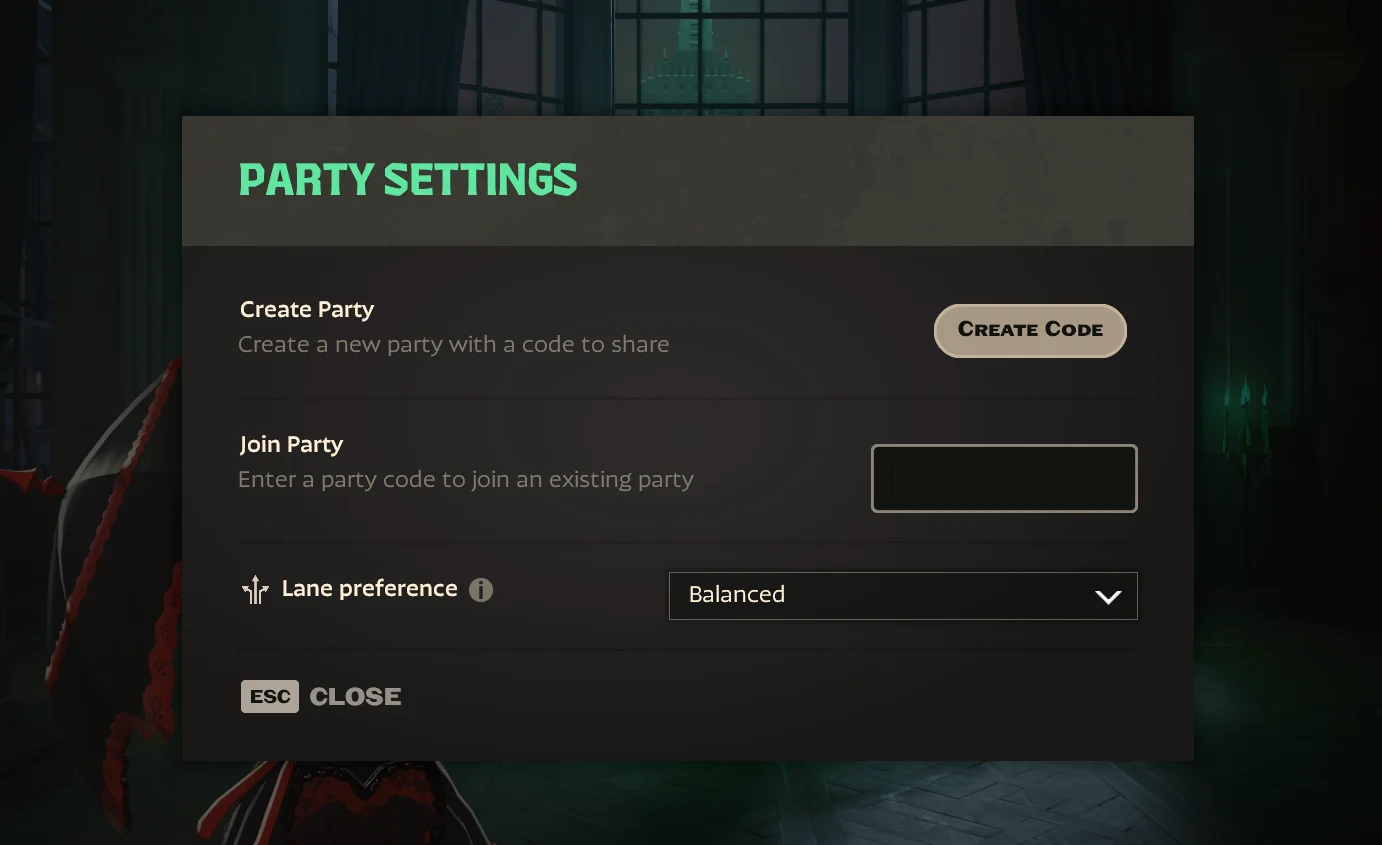
Here’s the exact in-game flow most players use for how to invite friends to deadlock.
- Make sure your friend is on your Steam friends list. If they aren’t, add them via Steam using a Friend Code (Steam client -> Friends -> Add a Friend). Also check pending requests so you’re actually connected.
- Launch Deadlock and stay on the home screen or main menu.
- Look at the bottom right and click the Invite your Friends button.
- In the pop-up list, find the friend you want to invite and hit Invite.
After you click it, pay attention to the status message:
- If you see Successfully submitted, the invite was sent for processing.
- If you see Unable to Submit. This player already has access to Deadlock, they’ve already been invited or already joined. In that case, they may just need to accept the invite on their Steam account.
Invite Troubleshooting that Fixes Most Issues
If it feels like the system is “not working,” it’s usually one of these:
- Your friend isn’t actually on your Steam friends list yet
Double-check you both accepted the request.
- Your friend doesn’t show up as eligible
They may already have access, already be invited, or the list just needs a refresh. Restarting Deadlock can help.
- You invited them, but nothing shows up for hours
That’s normal. Invites aren’t always immediate and can take from minutes to a couple of days.
How Many People Can I Invite to Deadlock?
In the present play test, users have mentioned that there seems to be no limit at all for inviting friends, since none is displayed on the client.
The true limit here would rather be a practical one. Only invite those who are willing to play; this helps you to avoid unnecessary complications later on.
Conclusion
Asking your friends is easy when you know the location of the button: launch Deadlock, press Invite your Friends found at the bottom right corner, and invite your friends who use Steam from your list. The only important thing here is that inviting takes time because it might take one or two days for invites to reach your friends. With everything settled, the next step is to master the heroes and engage in battles.